What is browser gaming?
Browser gaming means playing a game directly through a web browser rather than installing a conventional desktop or mobile application. The browser provides the environment in which the game loads its interface, assets, audio, and gameplay logic. For players, the biggest benefit is convenience: open a compatible page, wait for the game to load, and start playing.
Why HTML5 matters
HTML5 helped make modern browser gaming practical across many devices. Combined with JavaScript, Web APIs, Canvas, WebGL, Web Audio, and related browser technologies, it allows developers to build interactive experiences that work across desktop and mobile environments. The result is a much more flexible gaming ecosystem than the old plug-in era.
Choosing a game
A useful way to discover games is to start with the type of experience you want. Puzzle games are good for short focused sessions, racing games reward timing and reaction speed, sports games offer competitive goals, while casual games are often designed for quick entertainment. ArcadeNexa's Games section can be used as a starting point for browsing different categories.
Getting better performance
Close unnecessary browser tabs, keep your browser updated, and use a stable connection when a game streams assets during play. On mobile devices, reduce background activity and avoid playing while the device is heavily throttled by heat. If a game provides quality or graphics settings, begin with a balanced setting and increase quality only when performance remains smooth.
Browser gaming on mobile
A modern smartphone can be a capable browser gaming device. Touch controls work particularly well for puzzles, casual games, card games, and many arcade experiences. For games that require precise keyboard-style input, a desktop or external controller may be more comfortable.
A smarter way to explore
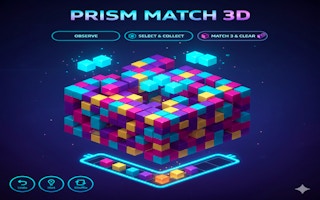
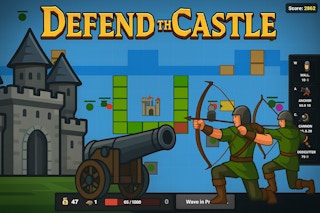
Instead of judging a game only by its thumbnail, look at its genre, controls, orientation, and expected session length. A five-minute arcade game and a longer strategy game can both be excellent choices, but they serve different moments. Good discovery is about matching the game to your available time and preferred style.