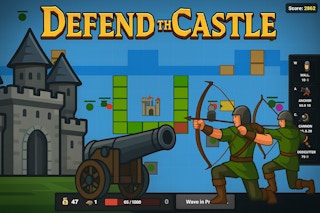
Responsive game layouts
A mobile-friendly game should adapt to smaller screens. Buttons need to remain large enough to tap, important information should not be hidden behind browser controls, and the game should handle portrait or landscape orientation appropriately.
Touch input
Touch controls are effective when actions are simple and clearly mapped. Games with many simultaneous controls can be harder on a small screen, so players should choose titles that match their preferred input style.
Performance and memory
Mobile devices have different CPU, GPU, and memory capabilities. Closing unused tabs and applications can reduce competition for resources. If a game becomes slow after a long session, restarting the browser can sometimes release accumulated memory.
Battery considerations
Graphics-heavy games can consume more battery than simple puzzles. Lowering brightness, using a stable connection, and taking breaks can help manage battery use.
Connection quality
Some browser games load large assets when starting. A stable Wi-Fi or mobile connection can reduce interruptions. Once resources are cached, subsequent loading may be faster, depending on the browser and game.
Choosing a comfortable session
Use landscape mode when the game benefits from a wider play area. Keep the phone stable, and choose a control scheme that does not require awkward hand positions.